About LED Indicator
The LED indicators shows the device condition.
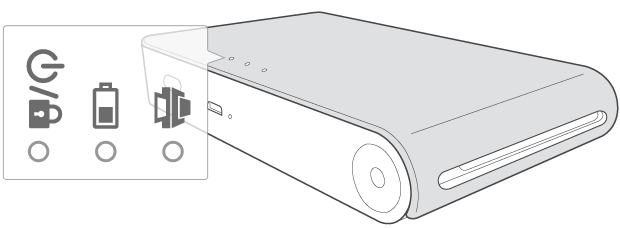
| LED color | Condition/Power | Description |
|---|---|---|

|
Waiting/On | Waits for printing. Device turns itself off, if it is left unused for a while. |
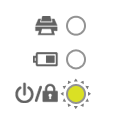
|
Updating/Blink | Updating or turning on or power off (Auto) |
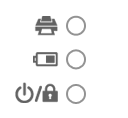
|
Off | To print, turn on the device. |
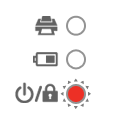
|
Error/blink | Update Failed |
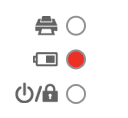
|
Charging | To print, turn on the device. |

|
Full charge | Battery is fully charged. |
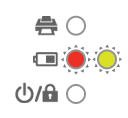
|
Battery is high temperature(above 45℃) | While continuous printing, battery temperature is overheated. (Wait for a while.) |
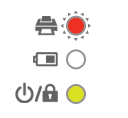
|
Error/Blink | No paper, Paper jam, Cancelled, Opened, Low/high temperature, Unsupported file format |
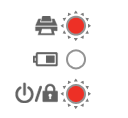
|
Low battery/Blink | To print, charge the device. |
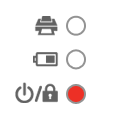
|
Charge the battery | Remaining battery is less than 30% |
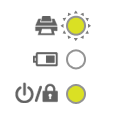
|
Printing/Blink | Transferring data via Bluetooth or Printing |
| Cooling mode/Blink | After continuous printing the device may automatically cool down its internal temperature. Wait for a while to print again. |