STEP 4. Installing App
Installing App for Android phone

From Play Store (Android market)
Search for “LG Pocket Photo”.

Using QR code
Scan the QR code on the product box.

Using NFC
Refer to “Printing using NFC” .
Tagging for the first time, it links to Play Store where you can download LG Pocket Photo App.Preparation : Before using NFC
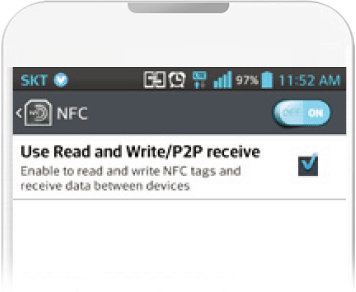
To print a photo using NFC, go to [setting] of smart phone and then, activate [Read and Write]mode.
App Setting
Set the options in [Setting].
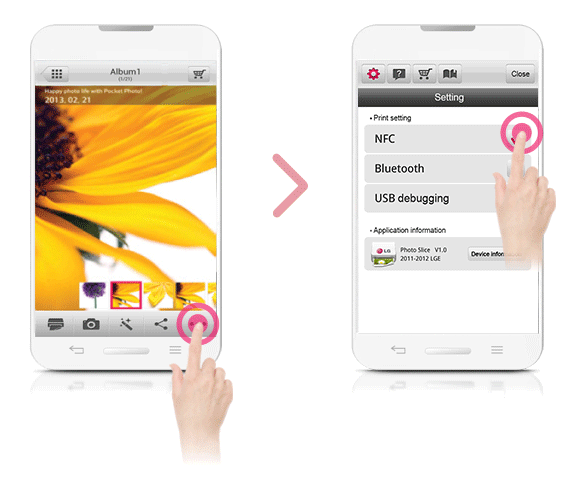
 Near Field Communication
 Global Positioning System using a satellite
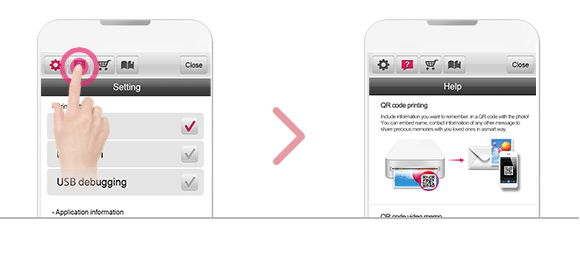
See “Help” for details
For more information about the App, touch